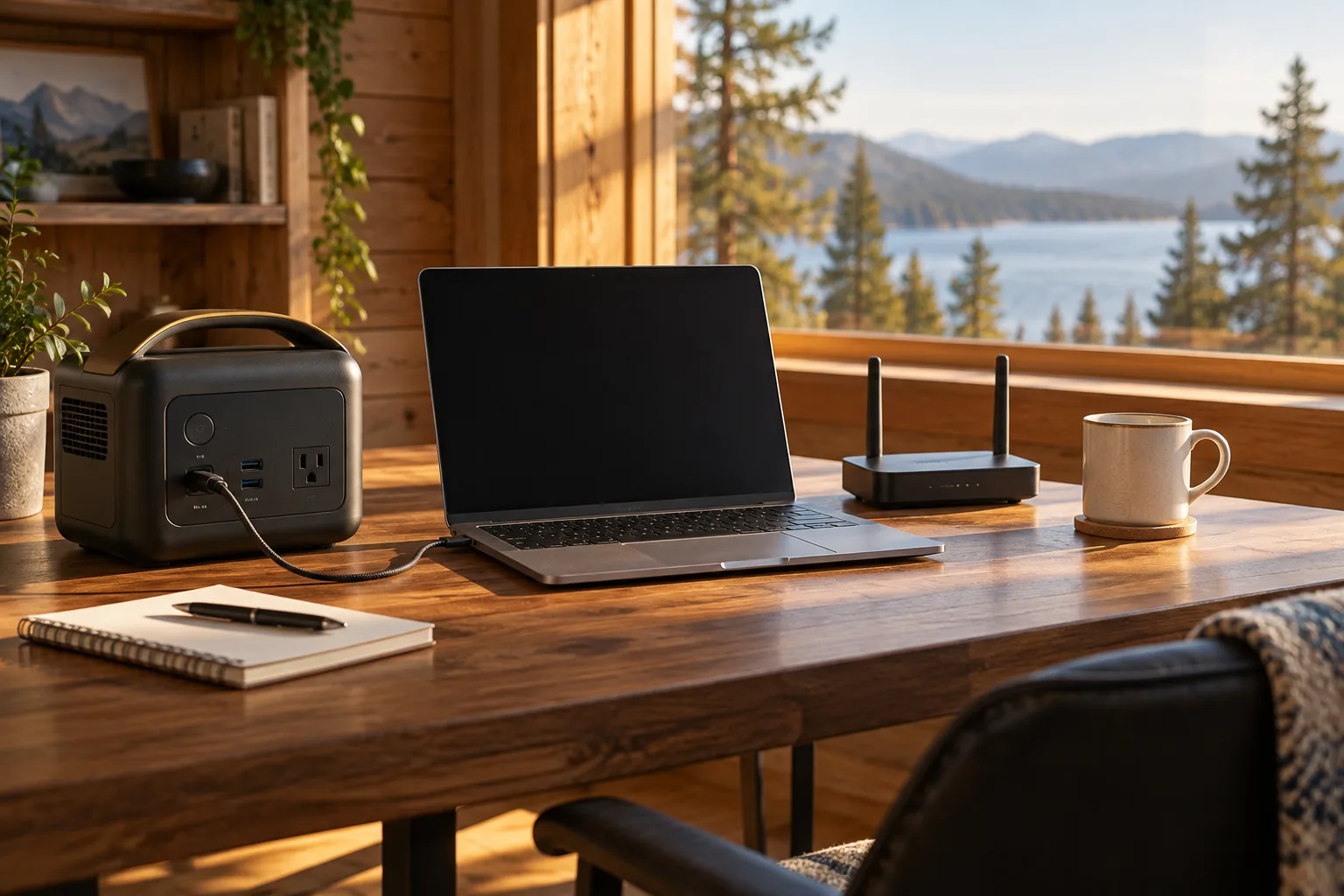
Start with the charger, not the laptop name
The most useful input is the charger label or manufacturer documentation. Note the charger’s voltage and current, maximum wattage, connector and whether the laptop supports USB-C Power Delivery. A laptop may draw less than the charger’s maximum in light use, but the charger rating is a good starting point.
AC adapter or direct USB-C?
| Path | Advantages | Trade-off to check |
|---|---|---|
| USB-C PD | Can avoid an extra AC-inverter step and keep the setup compact. | The PD profile, cable and laptop input must match. |
| Original AC adapter | Broad compatibility and the manufacturer’s intended charging path. | Inverter plus adapter losses reduce usable runtime. |
| Vehicle / DC adapter | Useful in a car or RV when explicitly compatible. | Voltage, connector, fuse and cable limits need verification. |
Estimate work time
List the laptop and everything that shares the battery: monitor, dock, router, phone charger or lamp. Then use:
For an illustrative example, assume 783 Wh usable energy and a 75W desk average. The result is about 10.4 hours. That is not a promise for any laptop; screen brightness, CPU load, battery charging and peripherals can move the actual draw.
- 01Read the charger or measure the laptop setup. The wattage calculator can total the desk load.
- 02Choose a station with an output path that supports the charger, plus enough ports for the devices you will use at the same time.
- 03Enter the average load and battery Wh in the runtime calculator.
- 04Test the setup during a normal work session so you can see the actual watts and whether the station’s screen or app shows unexpected standby draw.
Laptop-specific buying checks
- USB-C PD output wattage and supported profiles, not simply the presence of a USB-C socket.
- AC inverter efficiency if you need a wall charger; compare runtime with a direct DC path only when it is documented.
- Low-load shutdown behavior for a laptop that is sleeping or lightly loaded.
- Pass-through charging rules if you want to work while the station itself is plugged in.
- Noise and fan behavior if the station will sit on a desk or in a quiet workspace.
- Enough battery capacity for the target session after reserve, rather than sizing from the charger maximum alone.
FAQ
Can a portable power station charge a laptop?
How many watts does a laptop need?
Is USB-C more efficient than AC?
Planning guide · United States context · Updated September 20, 2026. Product lines, firmware, port standards and manufacturer limits change; verify the current manual before buying or connecting a load.