Add the loads you will run together.
Use the values from your device labels or manuals. The example rows are placeholders to show the math and should be replaced.
Running watts and surge watts are different jobs
Running watts describe the load after it is operating. Surge watts describe a short startup event, often for a compressor, pump, tool or motor. A station should meet both the continuous total and the peak event according to its published limits.
The calculator uses 25% planning headroom for the running total and rounds the recommendation to a practical 50W step. That result is a screening estimate, not an electrical approval or a guarantee that every load will start.
How to use the result
- 01Write down each device you expect to run at the same time. If a device is not simultaneous, remove it from the current scenario rather than adding every item you own.
- 02Enter running watts, surge watts and quantity from the device label, manual or a suitable meter. Leave surge at zero when the device has no meaningful startup event or the manufacturer does not publish one.
- 03Read the totals and compare them with the station’s continuous and peak output. Check voltage and connector compatibility as a separate step.
- 04Move the list into the runtime calculator so you can estimate battery duration from the combined running load.
Why the recommendation is only a first filter
- Some motor startup events are shorter or more complex than a single surge number suggests.
- A station’s peak output may have a duration limit, and a boost mode may change operating behavior.
- Two devices can start at the same moment, creating a combined peak that is higher than either device alone.
- Heating loads may not have a surge event but can consume the battery quickly.
- Voltage, frequency, waveform, grounding and outlet limits still matter after the watts add up.
Worked example
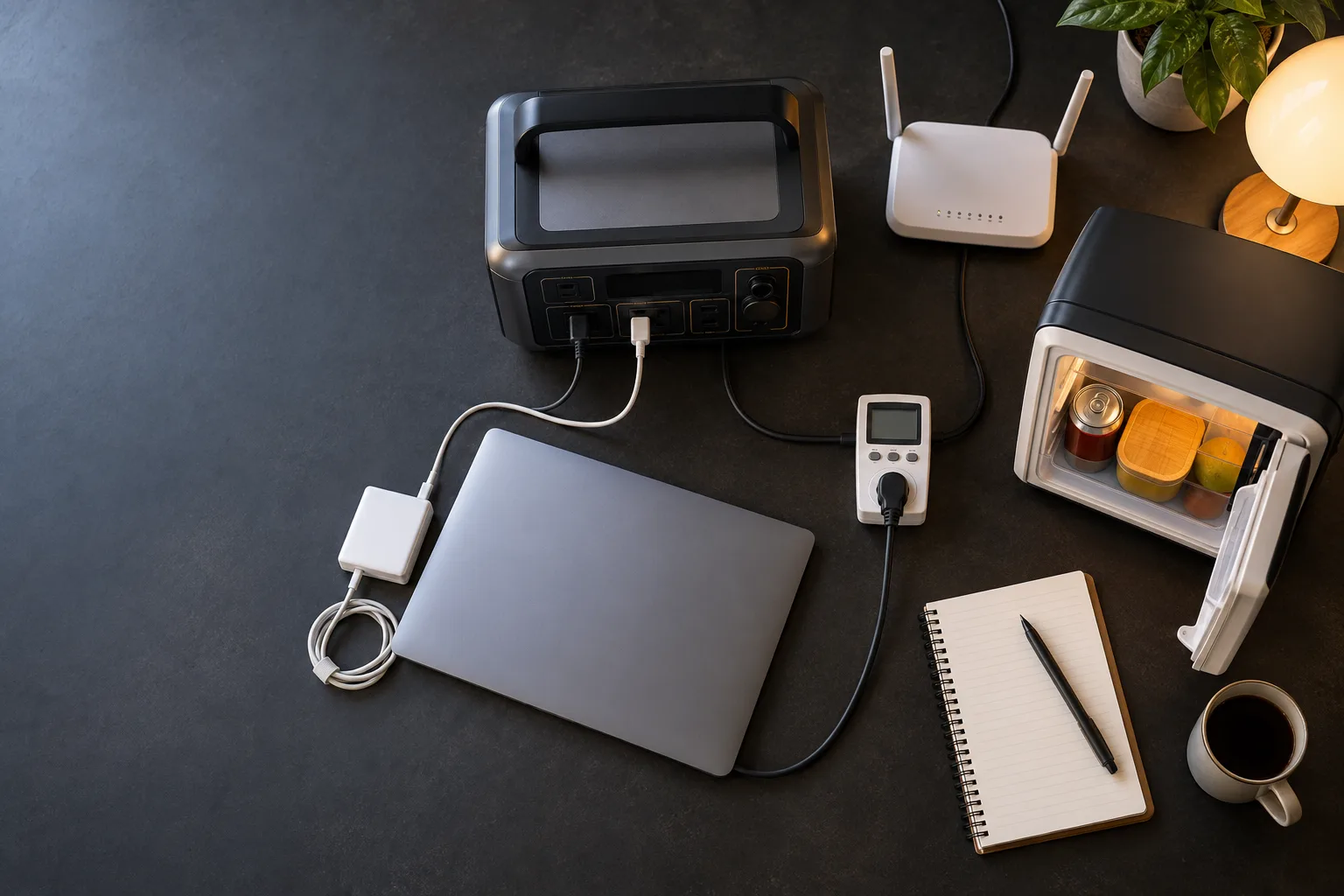
Imagine a planning list with a 75W laptop setup, a 10W network device and a refrigerator with 80W running / 600W peak as hypothetical values. The running total is 165W. If all three loads remain active while the refrigerator starts, the combined peak screen is 685W; if you are sizing only the refrigerator’s startup event, its own peak field is 600W. With 25% running headroom, the screening recommendation is the greater of 206W and the combined peak, rounded up to a practical step. That is a planning filter, not a guarantee.
FAQ
Do I add running and surge watts together?
What if a device has no surge rating?
Does the calculator choose a product?
Planning guide · United States context · Updated September 20, 2026. Product lines, firmware, port standards and manufacturer limits change; verify the current manual before buying or connecting a load.